
Tuya Zigbee WiFi Door Window Sensor Contact Sensor For Smart Home APP Remote Control Compatible With Alexa Google Assistant
WiFi Version / 3V
$5.29
Sale price
$5.29
Regular price
$0.00
Skip to product information


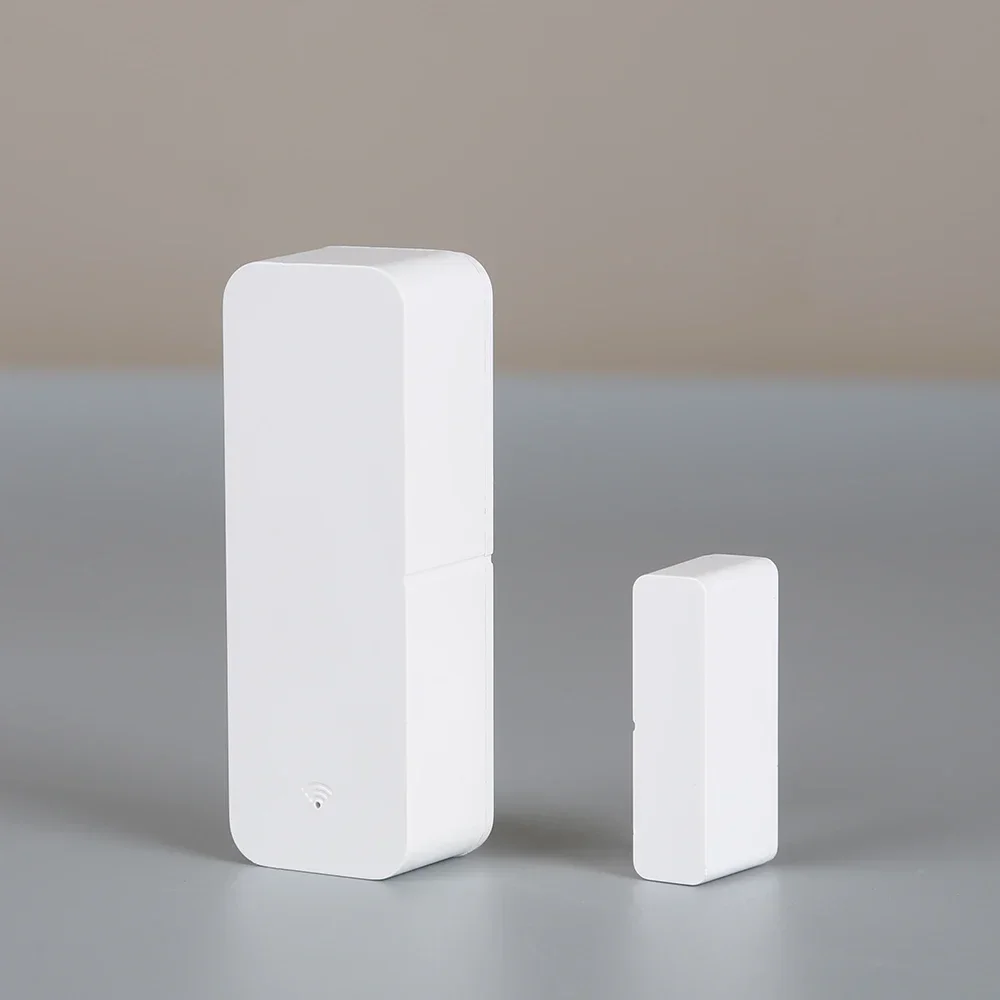
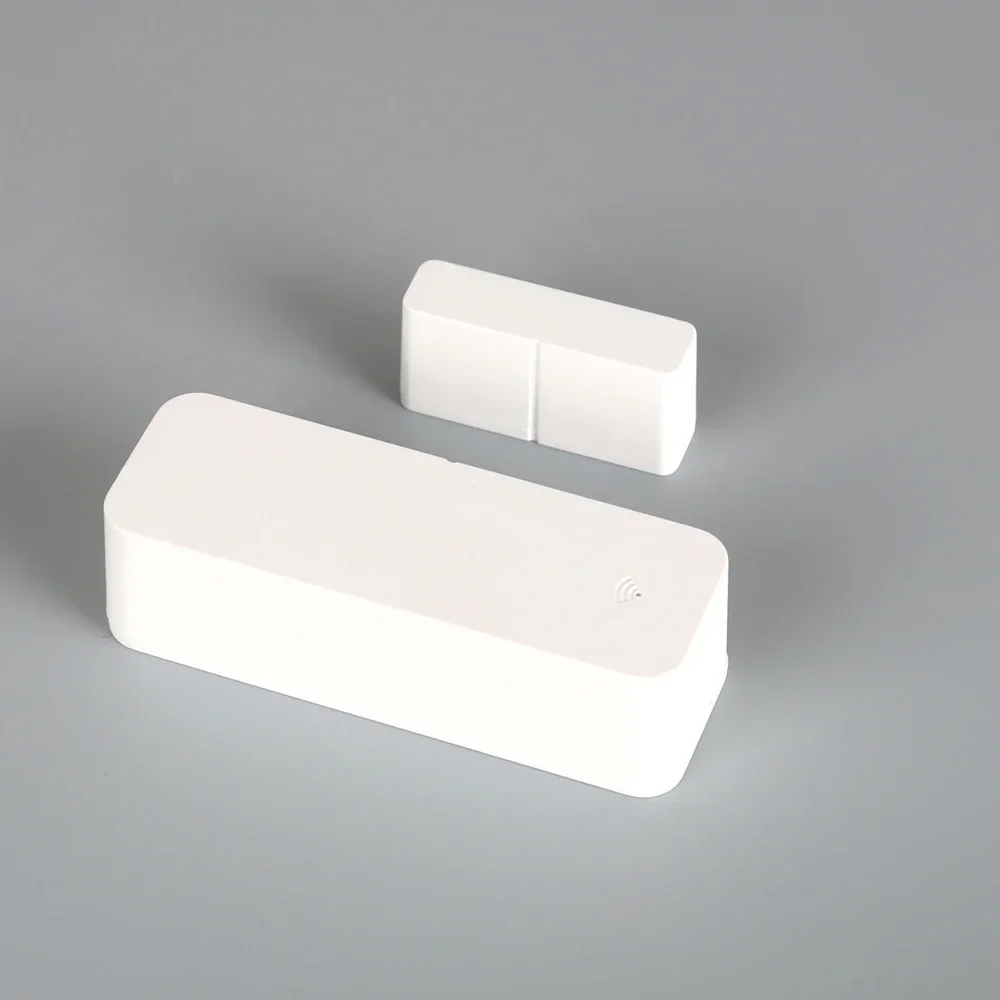


Tuya Zigbee WiFi Door Window Sensor Contact Sensor For Smart Home APP Remote Control Compatible With Alexa Google Assistant
$5.29
Sale price
$5.29
Regular price
$0.00
SPECIFICATIONS
APP Name: Smart Life/Tuya Smart
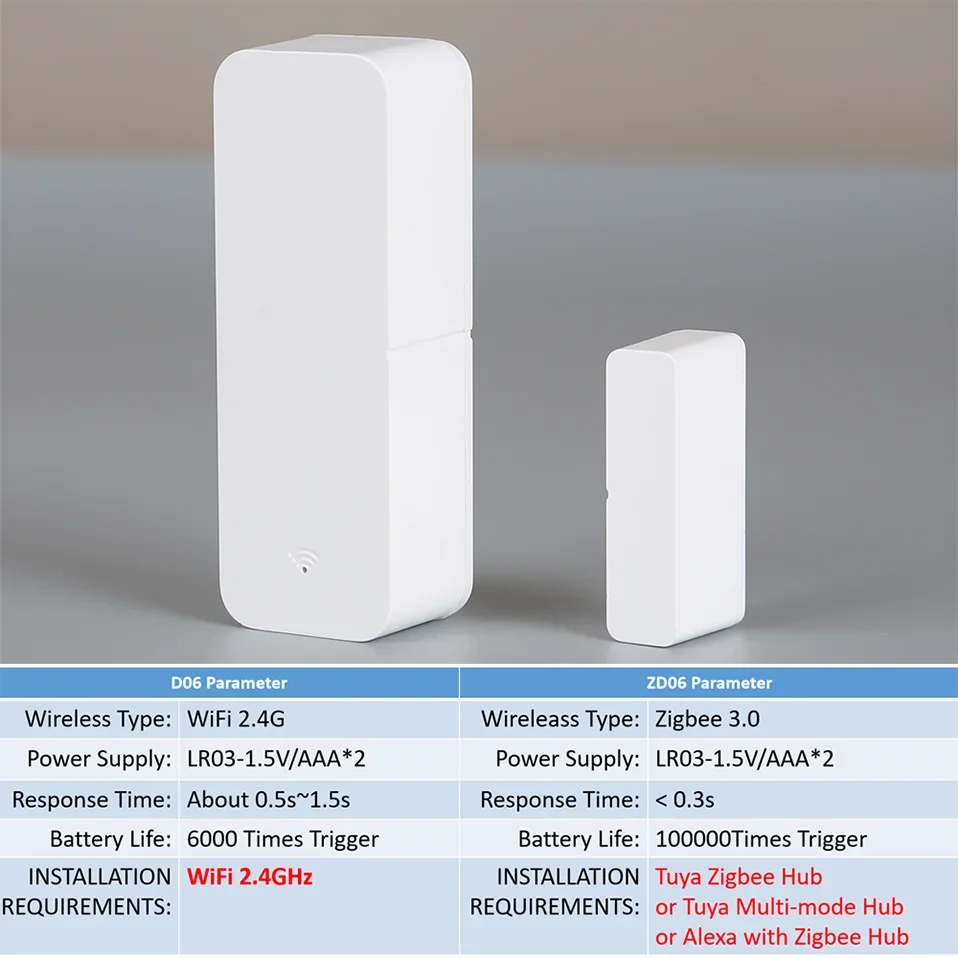
Battery Life: 6000 /100000times trigger
Brand Name: NONE,SaltComm
Certification: CE,FCC,RoHS
Choice: yes
EU LVD Voltage: Low voltage: Below 50Vac or 75Vdc
High-concerned chemical: None
Main Body Size: 71*25*20mm
Material: ABS
Model Number: D06/ZD06
Origin: Mainland China
Power Supply: LR-3-1.5V*2/AAA(Not included)
Small Body Size: 36*10*17mm
Wireless Type: WiFi 2.4GHz/ Zigbee
NOTE:
1. The battery is not included in the package. Please use LR03-1.5V alkaline batteries.
2. The product is not waterproof, Not suitable for outdoor use.
3. WiFi Version(D06) only supports WiFi 2.4GHz.
4. Zigbee Version(ZD06) only supports Zigbee 3.0
Product Features:
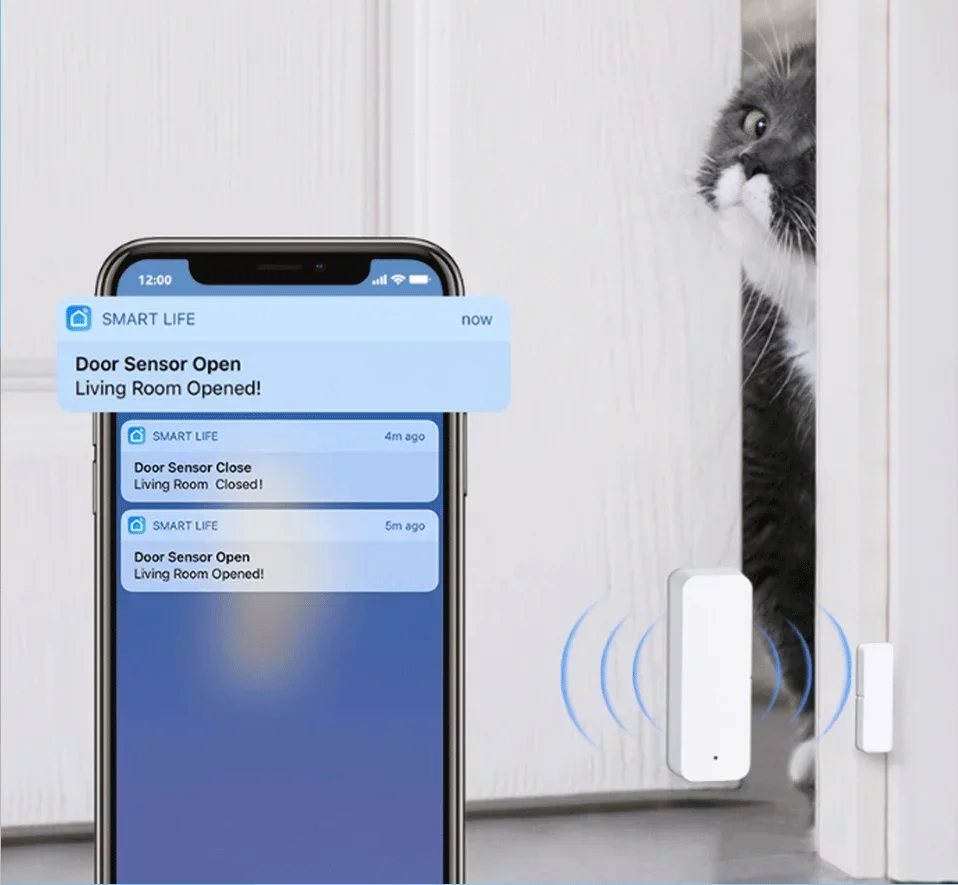
1. Instant Notification
Push instant notification to your phone immediately when door or window is opened or closed. Keeping you informed all the time.
2. Alarm Alert
Whenever the sensor is triggered to open/close, it will send alarm to alert you that someone opens your door or window.
3. Alarm Recording
Support checking open / close records and battery level on the app. Never worry about missing any important moments or running out of battery.
4. Device Share
Select "Home Management" in the "Me" page to share your added sensors with family members. so that they can also monitor the status of doors/windows.
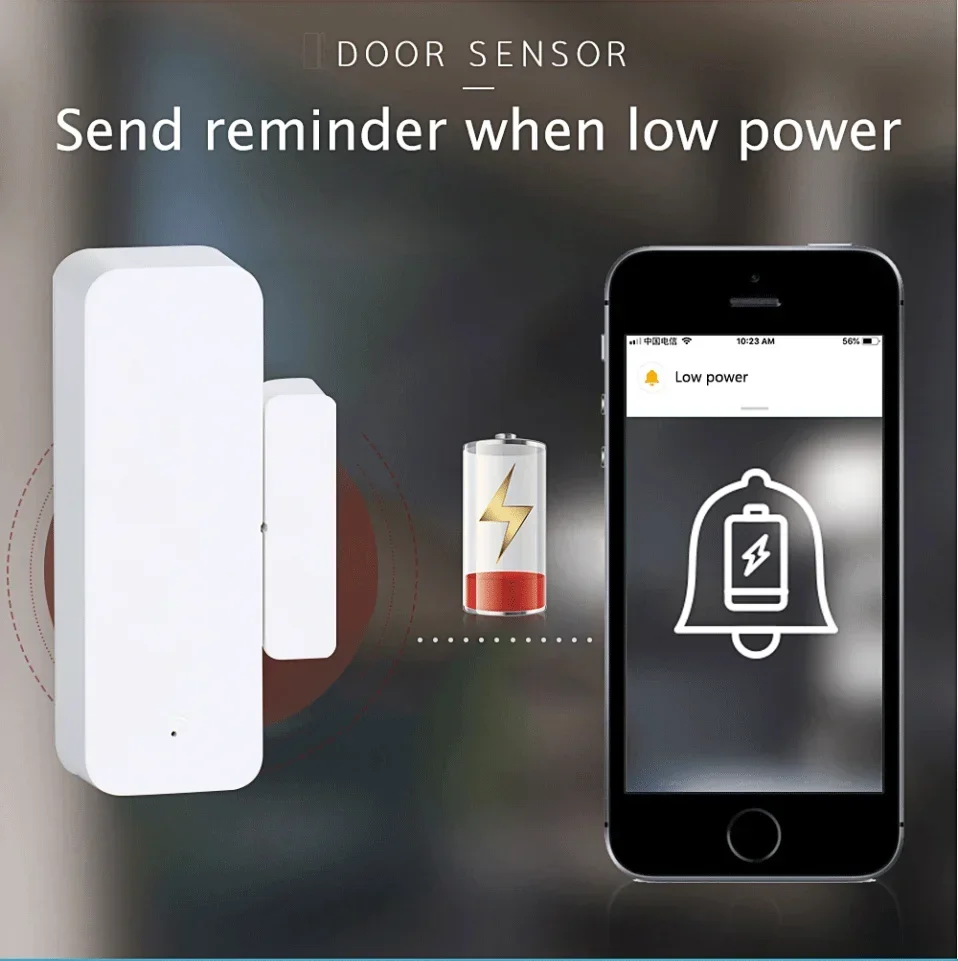
5. Low Voltage Remind
When battery level is low, it will automatically remind you to change batteries, never worry
about running out of battery.
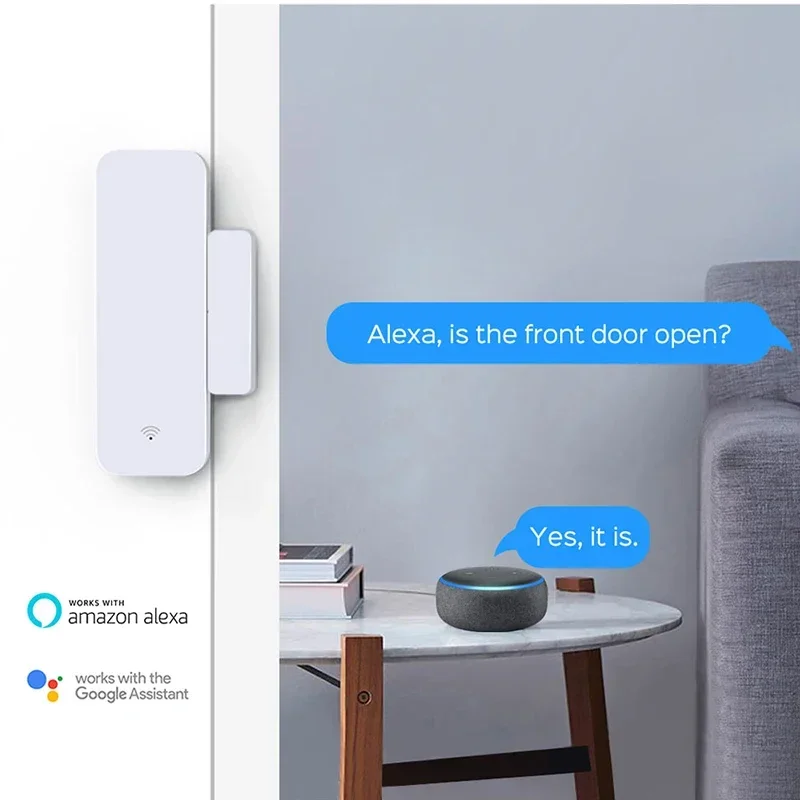
6. Works with amazon alexa and Google Assistant
Product Parameter
Battery: LR03-1.5V/AAA*2(not include)
Battery Life: 6000 times trigger(WiFi Version D06)/ 100000 times trigger(Zigbee Version ZD06)
Wireless Type: WiFi 2.4GHz(WiFi Version D06) / Zigbee (Zigbee Version ZD06)
App: Smart Life / Tuya Smart
Material: ABS
Size:
(Main body): 71mm x 25mm x20 mm
(Small body): 36mm x 10mm x 17 mm
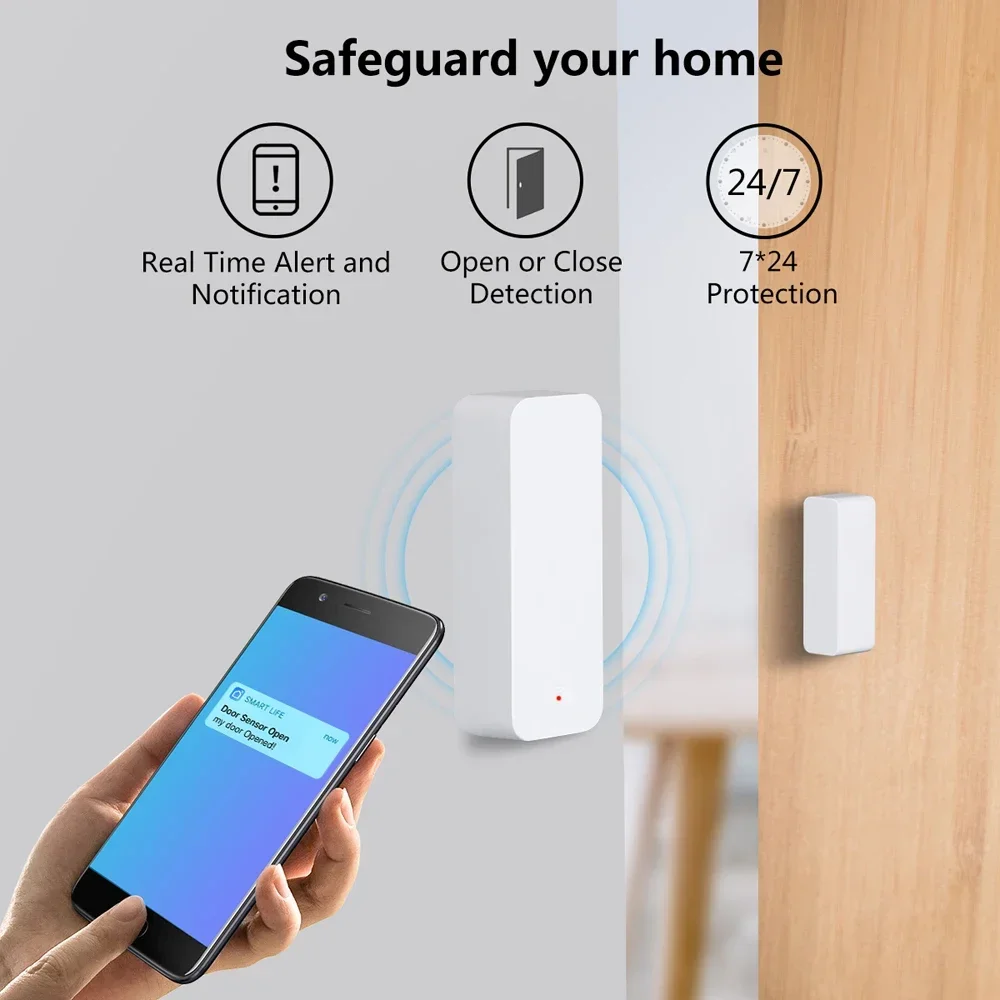
Safeguard your home
1, Real Time Alert and Notification
2, Open or Close Detection
3, 7*24 Protection
Where to install
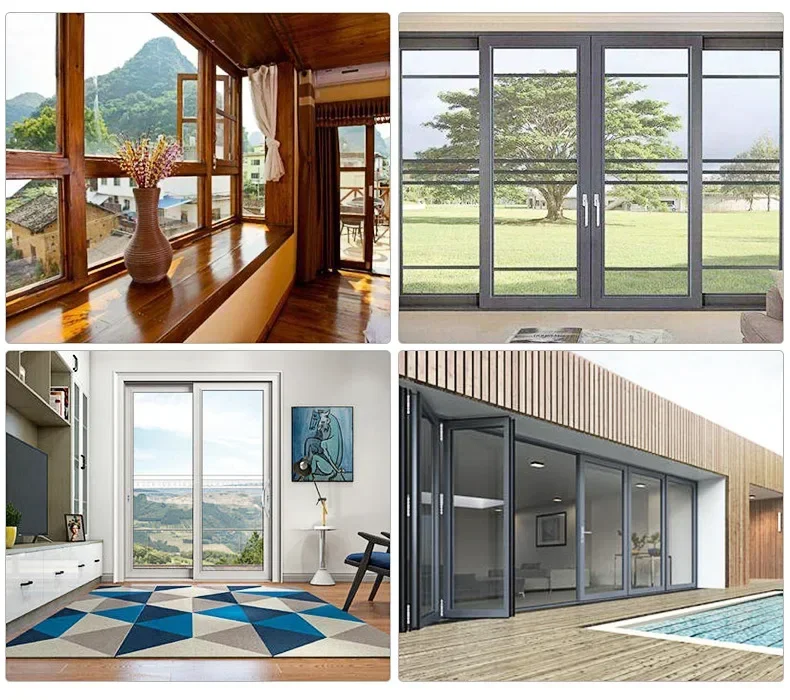
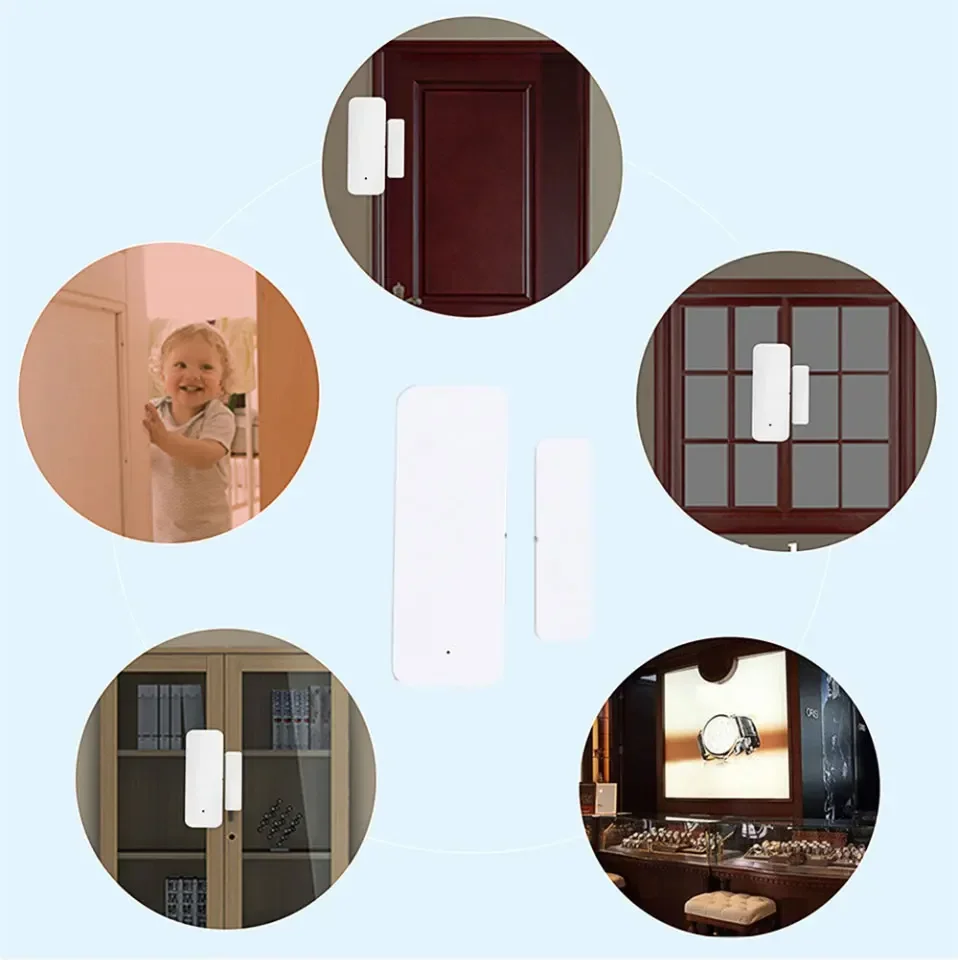
1, Doors, windows, drawers, mailboxes, garages, cabinets, as long as there is any place to open and close. But please note that the equipment is not waterproof, please be indoors or where the water is not drenched.
2, It can protect your home, business, or anywhere WiFi can reach.
APP Remote Monitor:
1, Share Devices to your Family
2, Remote monitor Anywhere and Anytime
3, Cloud Event Record
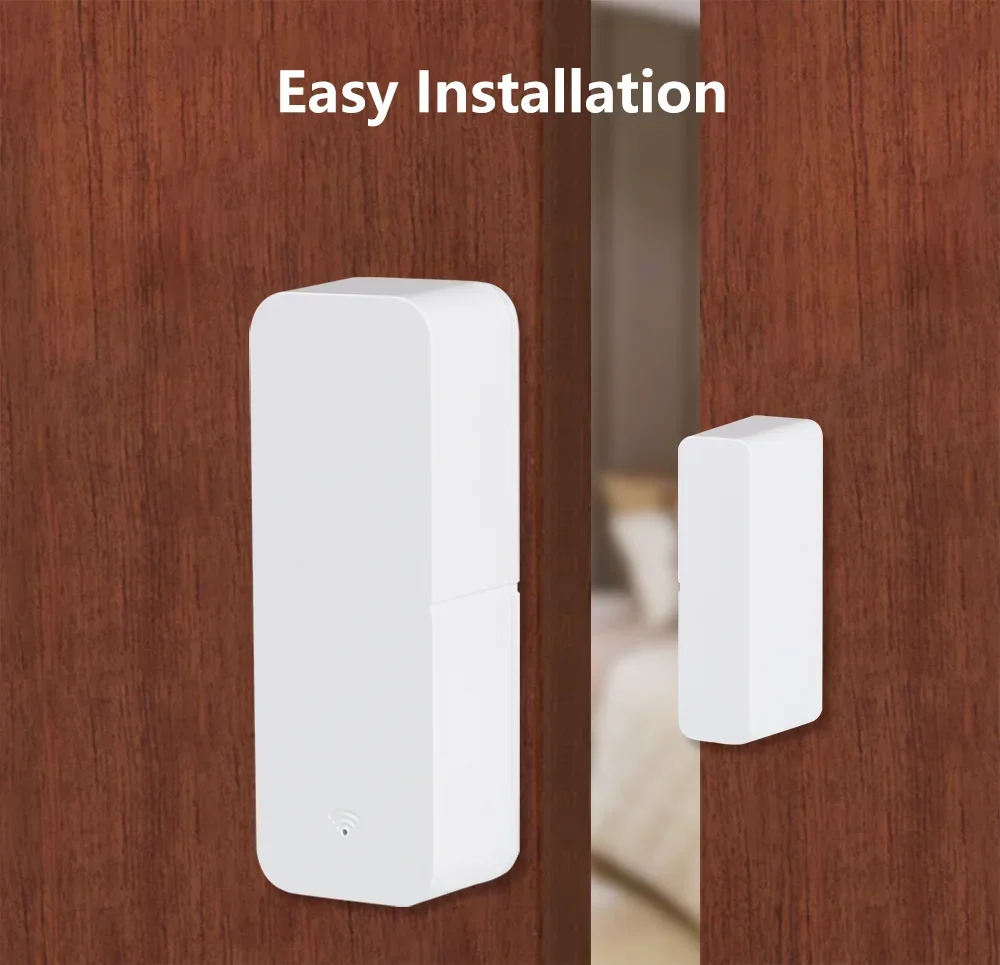
Easy Installation
Long Battery Life&Easy Battery Replacement
1, Long Battery Life/6000(WiFi Version) , 100000(Zigbee Version) Times Trgger
2, Low Battery Remind.Don't worry about forgetting
3, LR03-1.5V*2/AAA(not included), Easy to get.It's available in any convenience and supermarket.
4, The battery can be replaced with a push without any tools anybody.
Voice Control
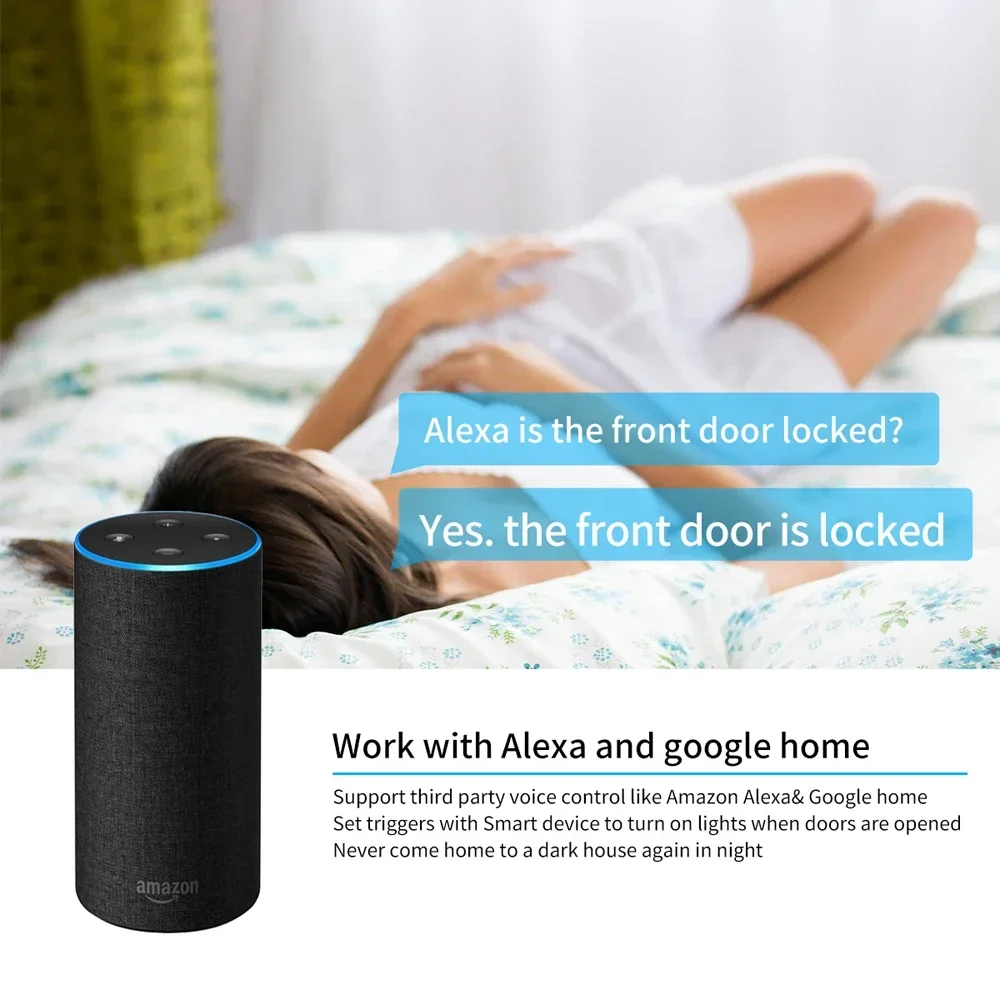
Works with Amazon Alexa, Google Assistant
By connecting App to Amazon Echo, Google Home, you are able to voice control your home appliances. For example:
-Alexa,Is my front door locked?;
-Yes . the front door is locked
How to install
1.here are adhesive taps in the package. You can use them to install anywhere you want. They are very firm. Please don't worry.
2.Make both bodies as close as possible, the gap between two bodies is <10mm.
Real Shot
What is Included
1.Main Body
2.Small Body
3. Adhesive taps Kit
4.English User Manual
APP Main Page & Setting Page Show
The page may change better.

APP Scenes & Automation Page Show
The page may change better.

FQA
Q: What are the necessary conditions for using it?
A: If you purchase a WiFi version :Firstly, you must have a smartphone to install the app. Secondly, you need WiFi at 2.4GHz and the WiFi router needs to be constantly online. If you purchase a Zigbee version: Firstly, you must have a smartphone to install the app. Secondly, you need Tuya Zigbee Hub or Tuya Multi-mode Gateway.
Q: How do I know my WiFi router has a frequency of 2.4GHz?
A: Most routers come with a 2.4GHz frequency band, and this information is usually marked on the router's nameplate. Some routers default to turning off the 2.4GHz frequency. Please refer to the router's manual to turn on the 2.4GHz frequency.
Q: Can I control it through 2G, 3G, 4G, 5G mobile networks?
A: YES. Operating Smart IR Remote through APP means that as long as your mobile phone can access the Internet (no matter what communication mode), APP can control it. But Smart IR Remote also needs to be constantly online through WiFi.
Q: What do I need to pay attention to when installing it?
A: 1. Please ensure that the WiFi/Zigbee signal at the installation location is good. 2 . The product is not waterproof and can only be used indoors. 3. Avoid facing heat sources such as sunlight, heaters, windows, etc.
Q: Is it using ESP series chips?
A: NO, We no longer manufacture products with built-in ESP series chips.
Q: Can multiple people use it?
A: YES. There are two methods: 1. You can use the sharing function to share with your friends or family. 2. You can create a virtual home
on the app and invite your family or friends to join.
Q: What do I need to do when configuration fails, If I purchase a WiFi version?
A: 1. Check whether the remote control is powered on or not. And ensure that the indicator light of Smart IR Remote is in fast flashing mode.
2. Check whether your mobile device is connected to 2.4GHz WiFi network.
3. Ensure that Smart Life has Bluetooth permission and confirm that the phone has Bluetooth turned on (some phones have low-power Bluetooth in GPS, if so, please ensure that the location information is turned on)
4. Check your network connectivity, make sure the router is working properly.
5. Make sure the WiFi password entered is correct when adding remote control.
6. Confirm that the WiFi router does not have restricted access features, such as Mac address whitelist.
7. If WiFi 2.4GHz and 5GHz use the same SSID, you can try changing the name and have your smartphone connect to WiFi 2.4GHz.
8. If the configuration still fails, please turn off your phone's Bluetooth, long press the Smart IR Remote Reset Button for 5 seconds to switch the device's indicator light to slow flashing mode, and then add it using AP mode. Select the slow flashing indicator light option on the add page to enter AP mode, and the APP page will guide you through the operation.
Q: How should I configure my Smart Speaker / Amazon Alexa / Google Home / Yandex Alice ?
A: Smart IR Remote cannot directly connect to third-party smart speakers. They need to provide account links and support through the "Skill" function. You can use the following methods: Smart Life ->Me ->Third Party Services. But the necessary condition for these is that you have already configured the sensor to Smart Life.
Details
This product is crafted with quality materials to ensure durability and performance. Designed with your convenience in mind, it seamlessly fits into your everyday life.
Shipping & Returns
We strive to process and ship all orders in a timely manner, working diligently to ensure that your items are on their way to you as soon as possible.
We are committed to ensuring a positive shopping experience for all our customers. If for any reason you wish to return an item, we invite you to reach out to our team for assistance, and we will evaluate every return request with care and consideration.
Shop The Full Collection


