
Tuya Zigbee Temperature Humidity Sensor APP Remote Control For Smart Home Work With Yandex Alexa Home Assistant ZHA Zigbee2MQTT
Zigbee 3.0 Version
$5.36
Sale price
$5.36
Regular price
$0.00
Skip to product information



Tuya Zigbee Temperature Humidity Sensor APP Remote Control For Smart Home Work With Yandex Alexa Home Assistant ZHA Zigbee2MQTT
$5.36
Sale price
$5.36
Regular price
$0.00
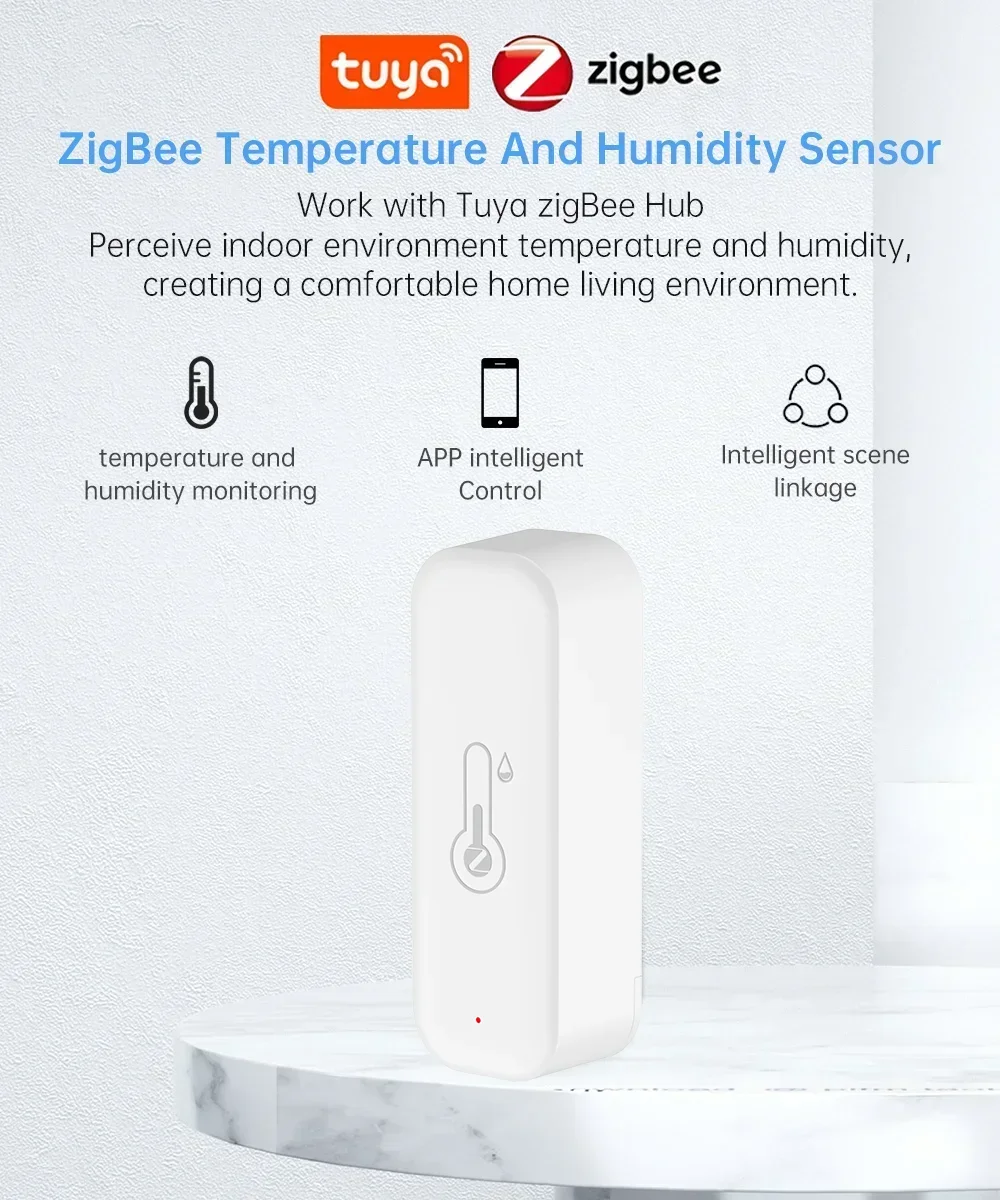
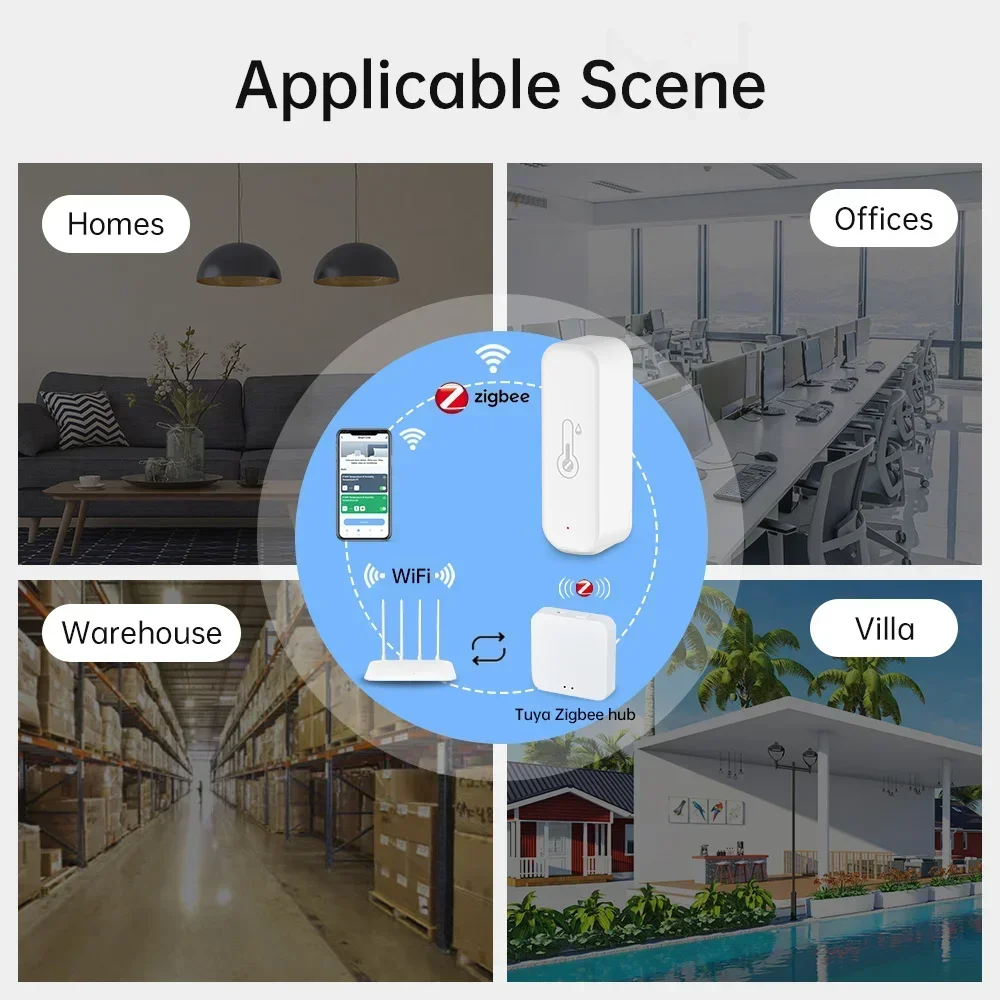
Zigbee version need tuya zigbee gateway to operate,Please purchase carefully
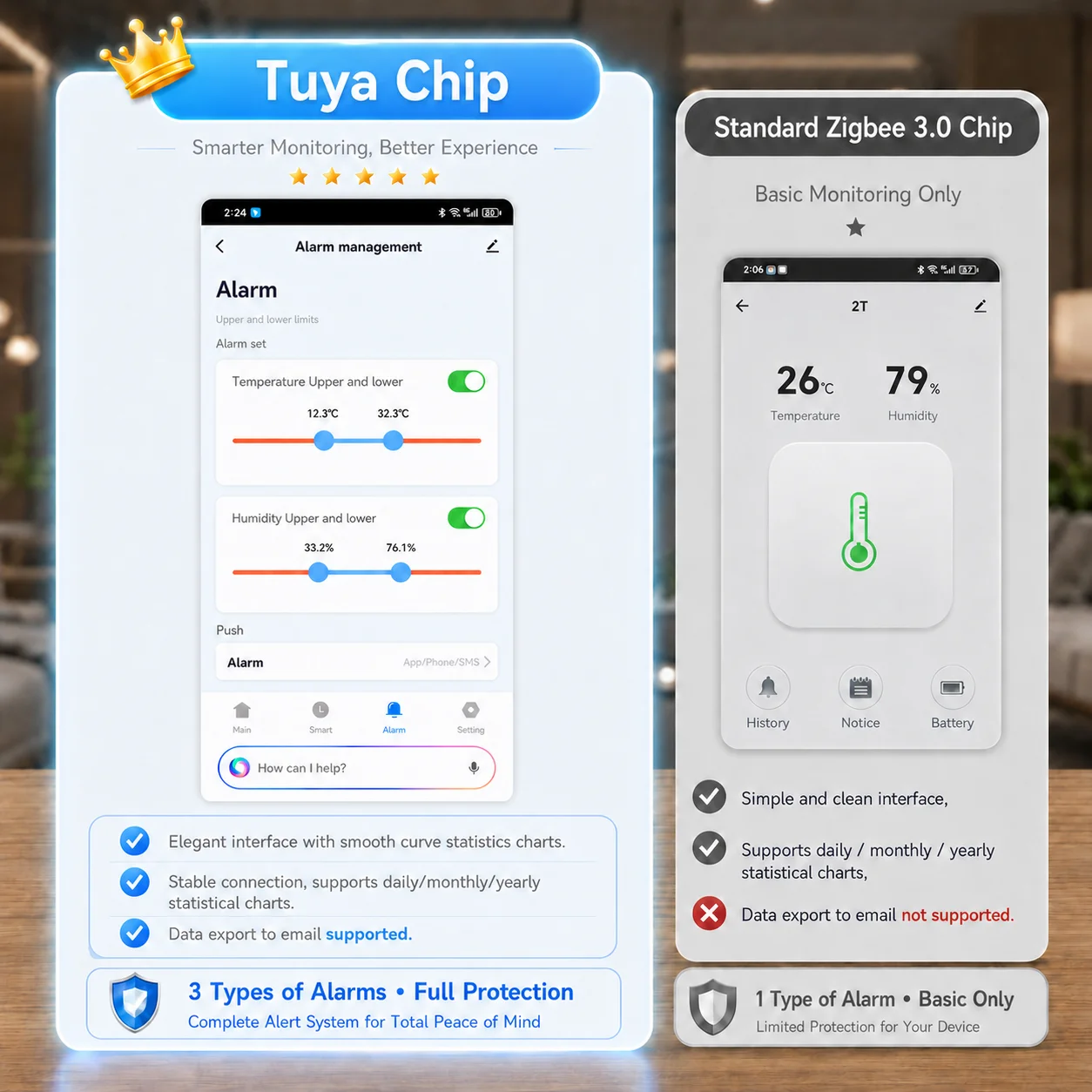
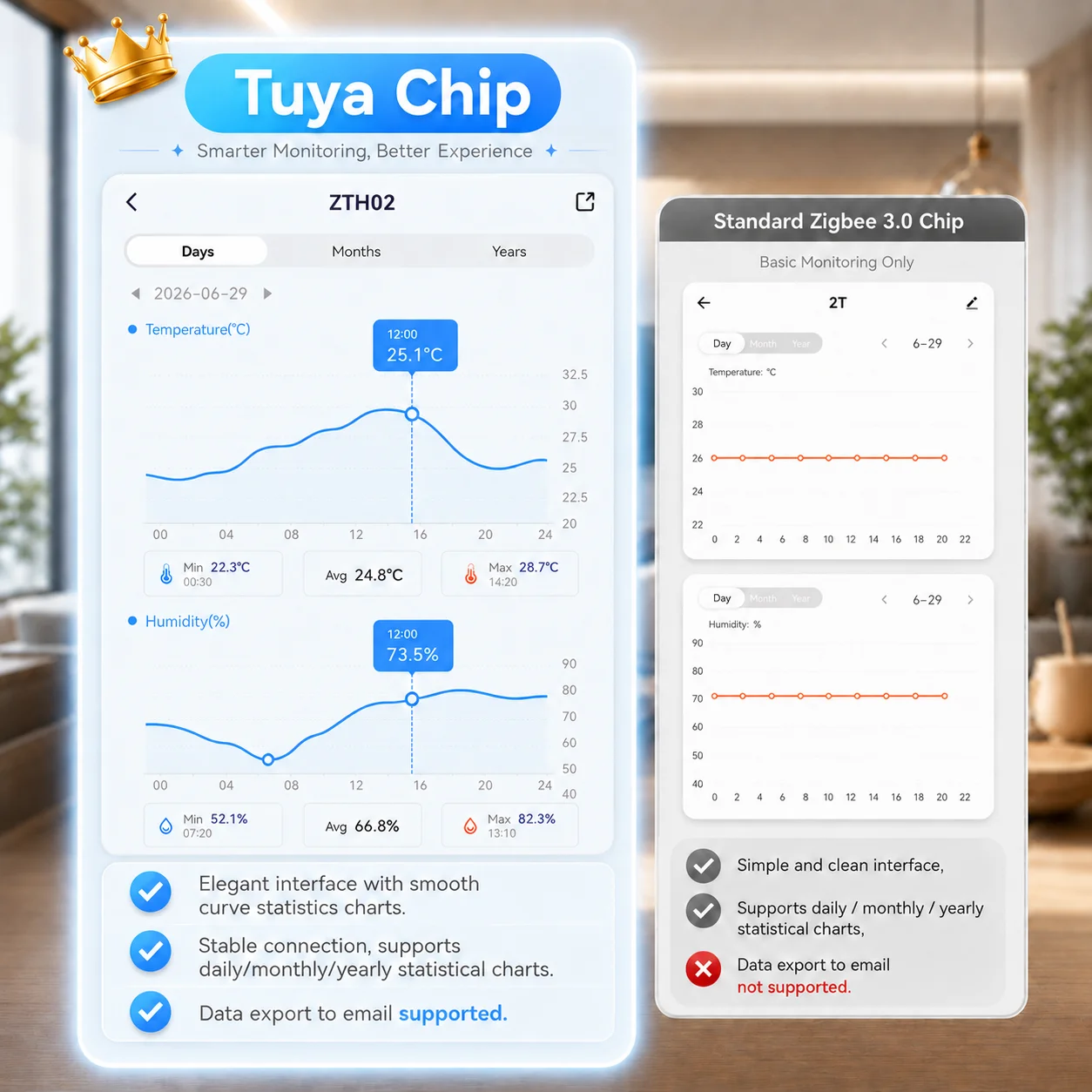
Why Choose Tuya Zigbee Solution?
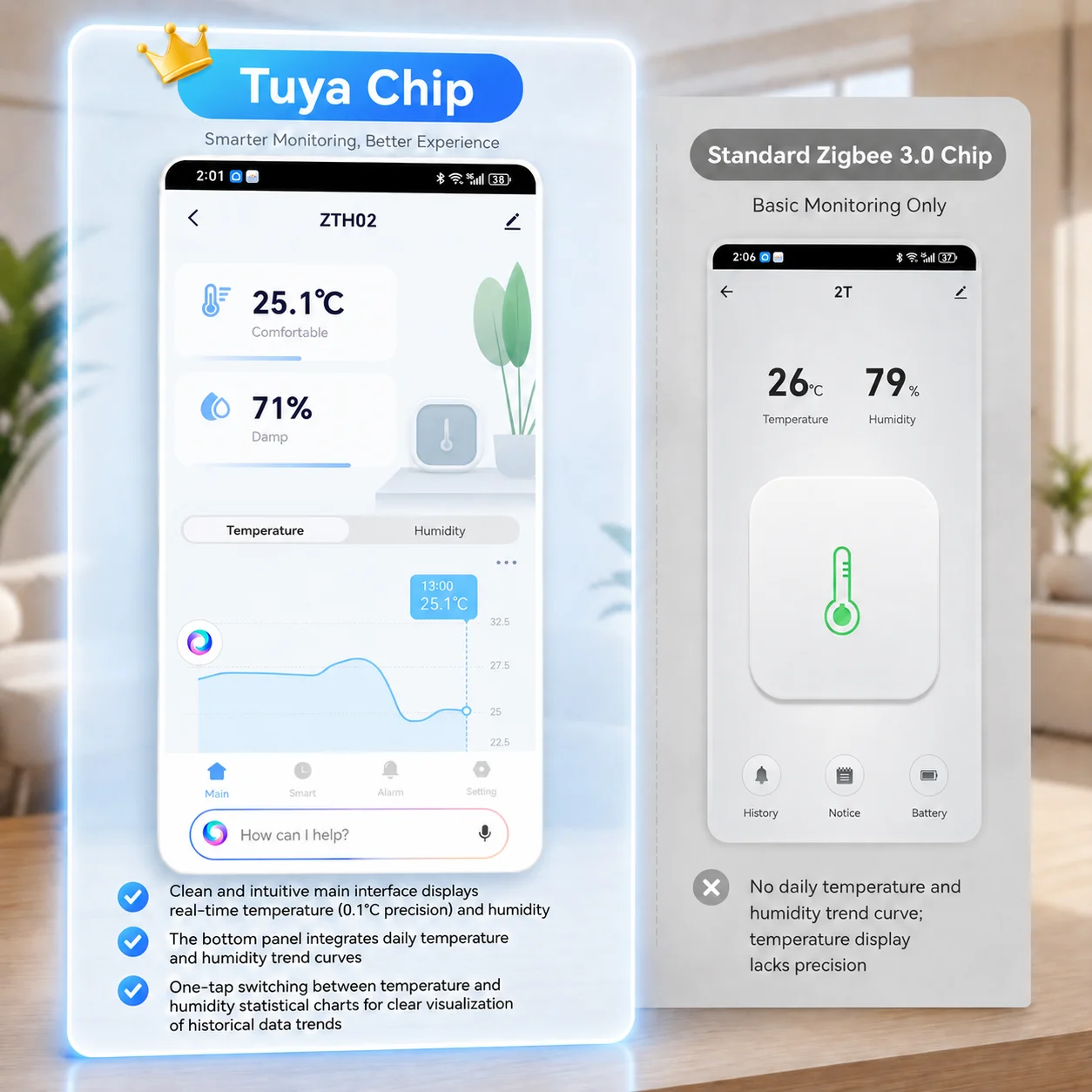
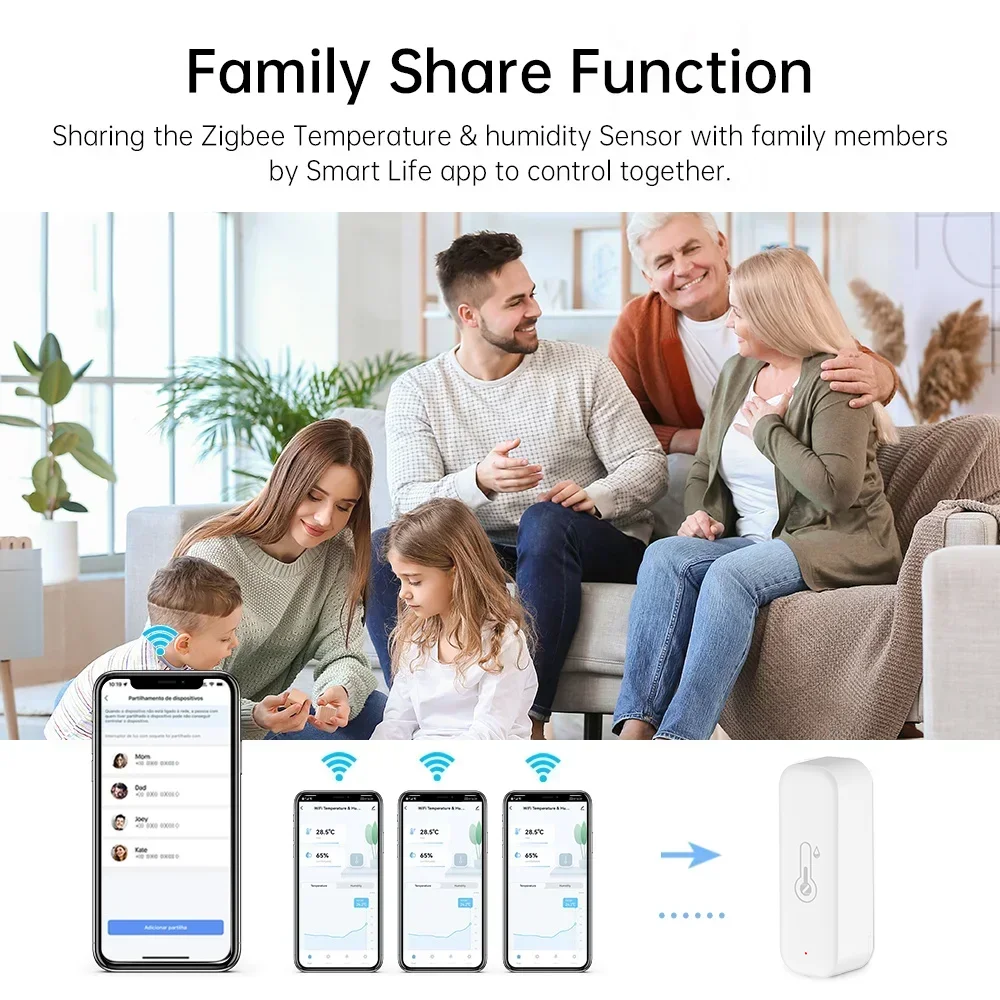
1,Complete App Interface
Clear and intuitive display of real-time temperature and humidity data.
2,Visual Historical Data Records
Supports temperature and humidity history charts, with data export for easier long-term analysis.
3,Temperature & Humidity Alerts
Receive App notifications when temperature or humidity exceeds the preset range.
4,Stable Connection & Better Compatibility
Optimized for Smart Life and Tuya Smart App, offering smoother device pairing and a more stable user experience.
5,Tuya Smart Automation
Create automated scenes with other Tuya devices, such as air conditioners, humidifiers, or dehumidifiers, for a safer and more reliable Tuya smart ecosystem.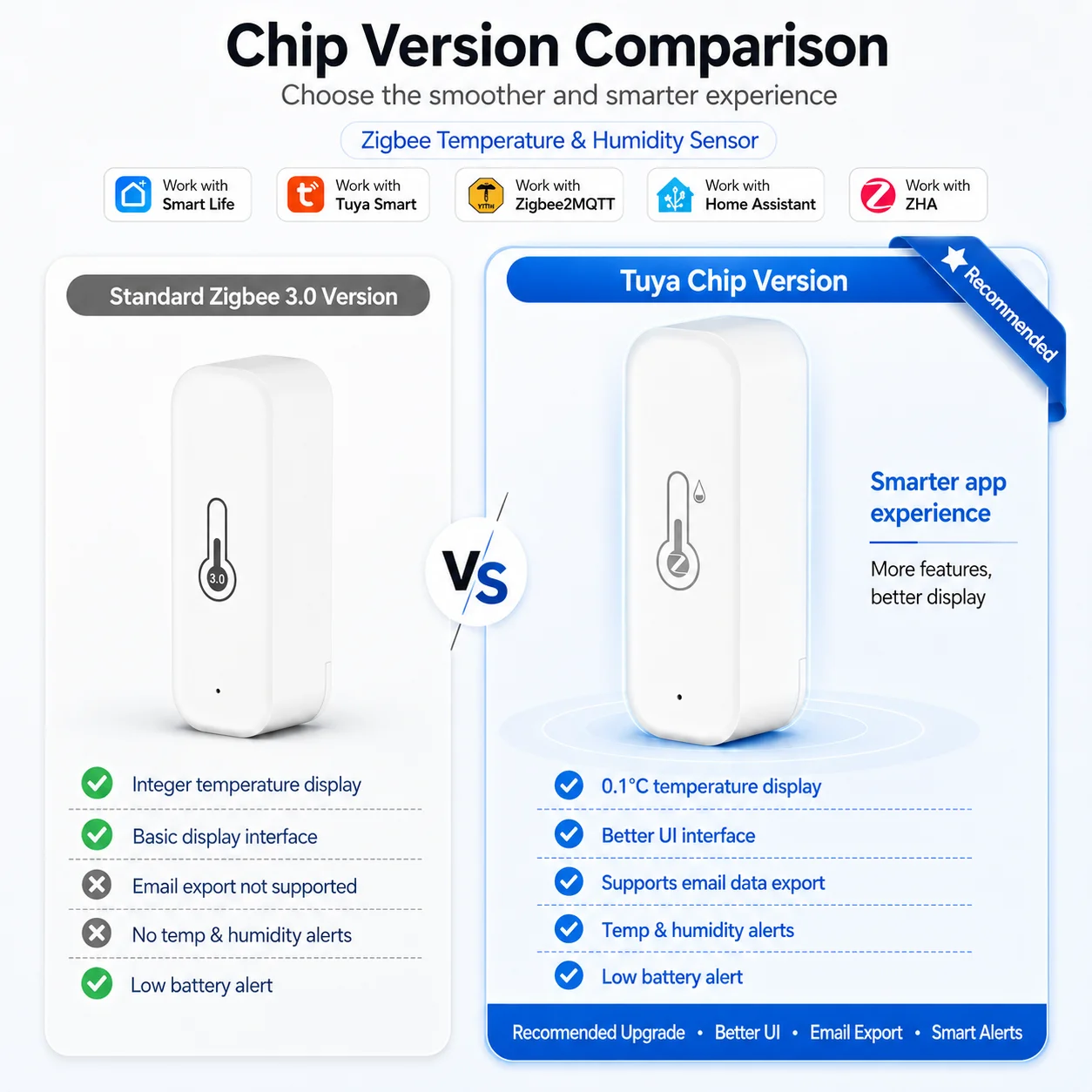




Tips for purchase
About Bluetooth Function
Bluetooth function is only useful during configuration. After configuration, the device will shut down the Bluetooth network.
About the update frequency of temperature and humidity
1. We used the trigger mechanism When the temperature or humidity change reaches the trigger condition, report the data immediately The fastest update frequency is two minutes. Generally, the data is updated once an hour
2. The sensor cannot set the update frequency,
3. The sensor cannot set alarm, and the alarm function is set on the APP
If you need to update data in real time, please purchase a USB powered version.
About batteries
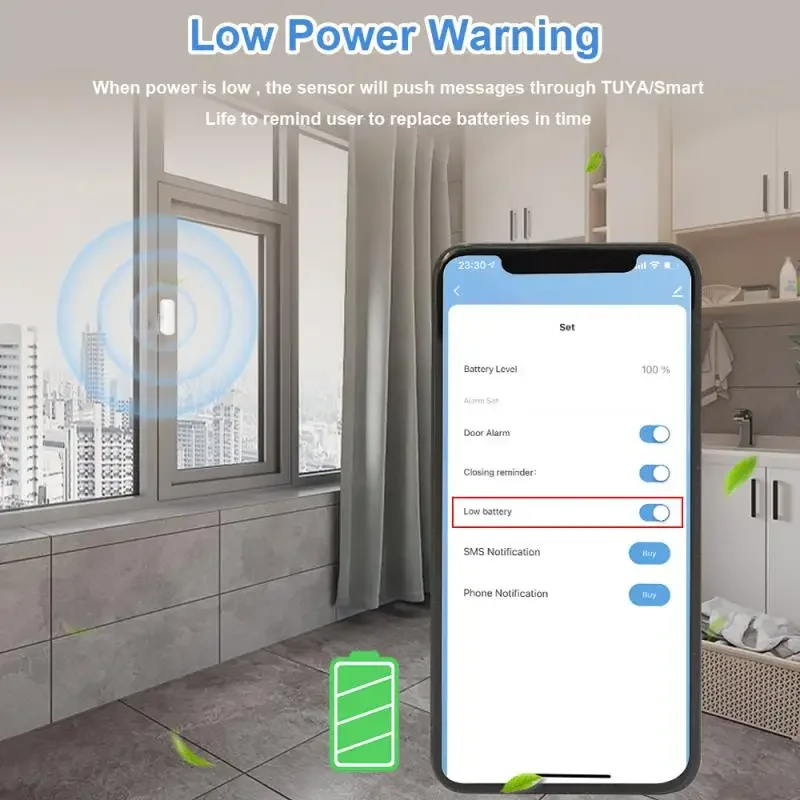
1. Only LR03-1.5V alkaline battery can be used (1.2V rechargeable battery may cause the equipment to detect wrong voltage and report low voltage)
2. Batteries of different models cannot be mixed
3. Batteries of different brands cannot be mixed
4. New and old batteries cannot be mixed
5. Do not use inferior batteries
Otherwise, 1. configuration failure, 2. battery consumption is too fast
How to obtain high-quality batteries or genuine batteries. Please buy them at regular supermarkets or chain stores over time
Note: After the device configuration is completed, it needs to be placed in a position where the wireless signal is good, otherwise the power consumption of connecting to the network will increase, which will lead to fast battery consumption
About Network Testing
The network will consume a lot of power
To ensure the service life of the battery, the sensor will stop using the network when it does not need to report data
Therefore, it is meaningless to test the network signal of sensors in APP.
Error on temperature and humidity
1. All temperature and humidity sensors will have certain errors, please note
The error of this sensor is ± 1 ℃ and the error of humidity is ± 5% RH
Any value within this range is normal
2. Sensor error and manufacturing process will lead to certain errors between products of the same model
3. According to Newton's third law, the heat conduction takes a certain time.
Therefore, our sensor needs 30 minutes to be consistent with the room temperature, and the measurement will be accurate.
About Historical Curves
1. The minimum granularity of historical data (daily chart) is 1 hour, and the minimum granularity of exported data is also 1 hour
2. Days of historical data are stored for 7 days
3. The value of historical data is the average value, that is, the average value in a minimum granularity time
Support for third-party smart speakers
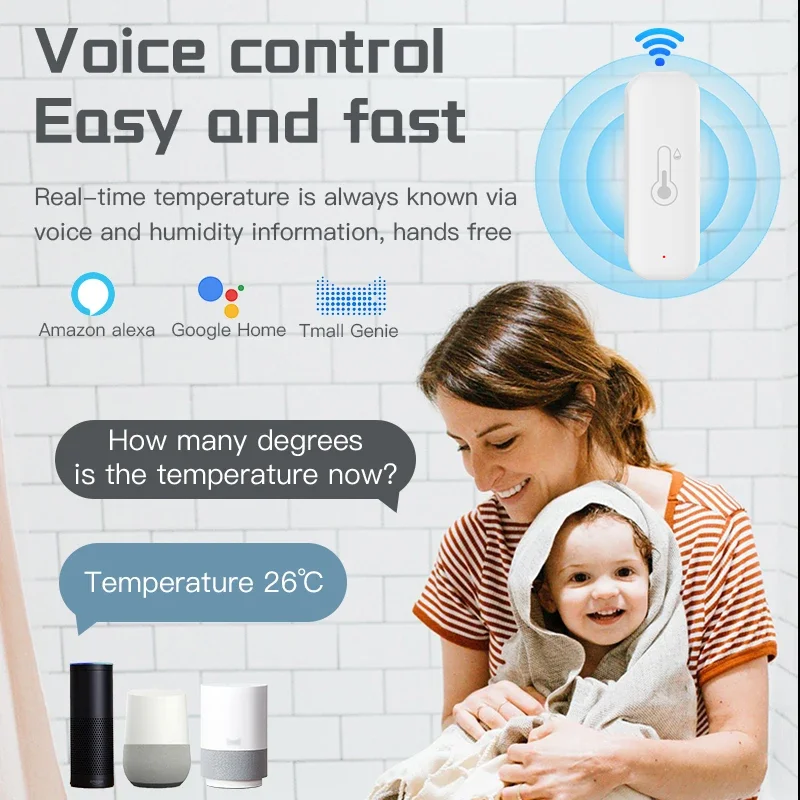
1. Because the third-party smart speakers (Google Home/Amazon Alexa) do not have control panels corresponding to temperature and humidity sensors, the temperature and humidity may not be displayed normally on the third-party smart speakers' APP. But we have opened the voice query function.
Therefore, the current temperature and humidity can be queried by voice
2. Route or automatic process related to temperature and humidity cannot be established on the third-party smart speakers
3. The device does not support Yandex Alice
About Automation
The sensor uses the principle of Edge Triggered
That is, the action can only be triggered if the condition crosses the set condition
For example, when the automatic setting temperature is greater than 25 ℃, then turn on the air conditioner.
1. When the temperature rises from below 25 ℃ to 25 ℃, the automatic process can trigger to start the air conditioner
2. After the automatic process is set, the temperature is always above 25 ℃, and the air conditioner is not turned on.
3. When the temperature drops to 25 ℃ and rises to above 25 ℃, the automatic process will be activated.
For example, when the automatic setting temperature is less than 20 ℃, turn on the air conditioner
1. When the temperature drops from above 20 ℃ to 20 ℃, the automatic process can trigger to start the air conditioner
2. After the automatic process is set, the temperature is always below 20 ℃, and the air conditioner is not turned on
3. When the temperature rises to 20 ℃ and then drops to above 20 ℃, the automatic process will be activated.
Details
This product is crafted with quality materials to ensure durability and performance. Designed with your convenience in mind, it seamlessly fits into your everyday life.
Shipping & Returns
We strive to process and ship all orders in a timely manner, working diligently to ensure that your items are on their way to you as soon as possible.
We are committed to ensuring a positive shopping experience for all our customers. If for any reason you wish to return an item, we invite you to reach out to our team for assistance, and we will evaluate every return request with care and consideration.
Shop The Full Collection


