
Tuya Smart Life Multi-mode Gateway Smart Home Automation Hub ZigBee WiFi Bridge Bluetooth Mesh Voice Control for Alexa Google
Upgraded Version
$25.56
Sale price
$25.56
Regular price
$25.56
Skip to product information



Tuya Smart Life Multi-mode Gateway Smart Home Automation Hub ZigBee WiFi Bridge Bluetooth Mesh Voice Control for Alexa Google
$25.56
Sale price
$25.56
Regular price
$25.56
SPECIFICATIONS
Brand Name: NONE
Certification: CE,RoHS
Choice: yes
High-concerned chemical: None
Linking method: Wifi
Model Number: Multi-mode Gateway
Origin: Mainland China
Smart home platform: alexa,Tuya,Google Assistant
Voltage: 5V/2A
Features:
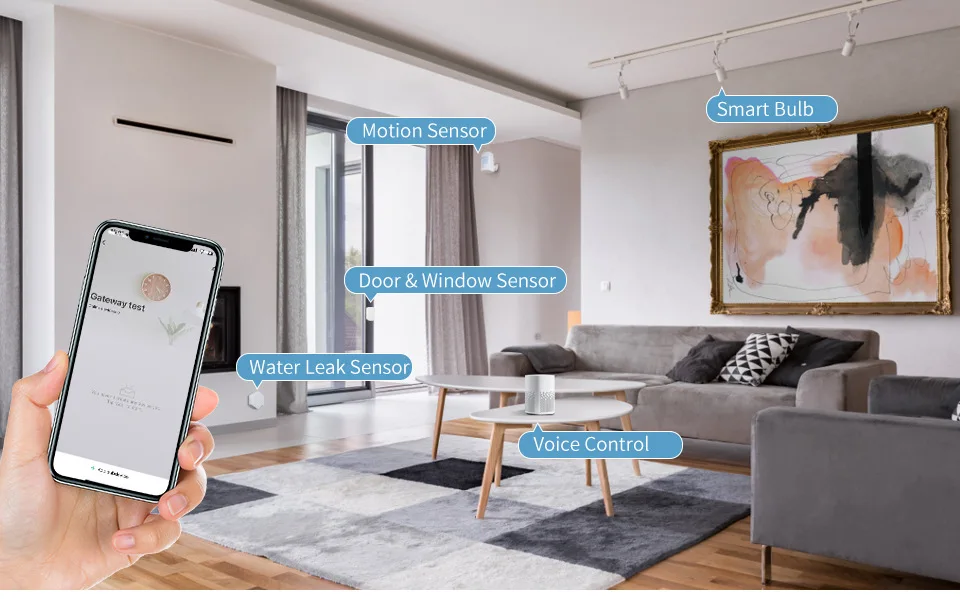
1.The Brain of Smart Home Automation.
2.Support Alexa.Google home Voice Control.
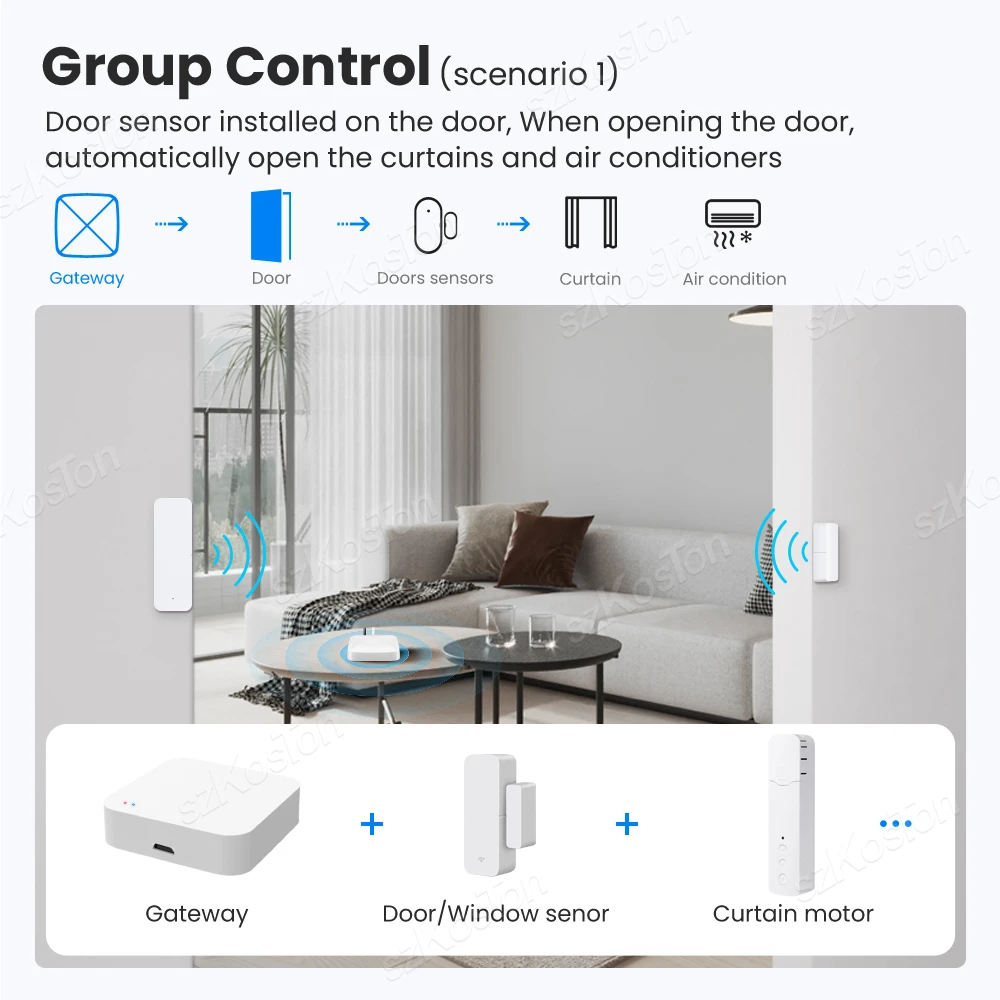
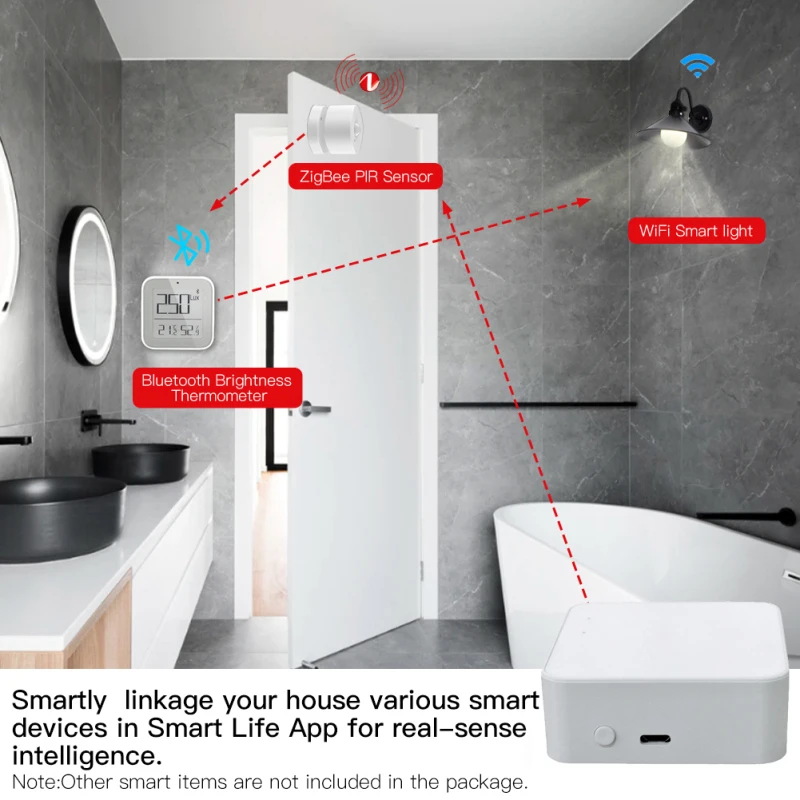
3.Associate other smart devices in App for local scenario linkage and automation.
4.Much safer to create an intelligent home system with smart home automation featured.
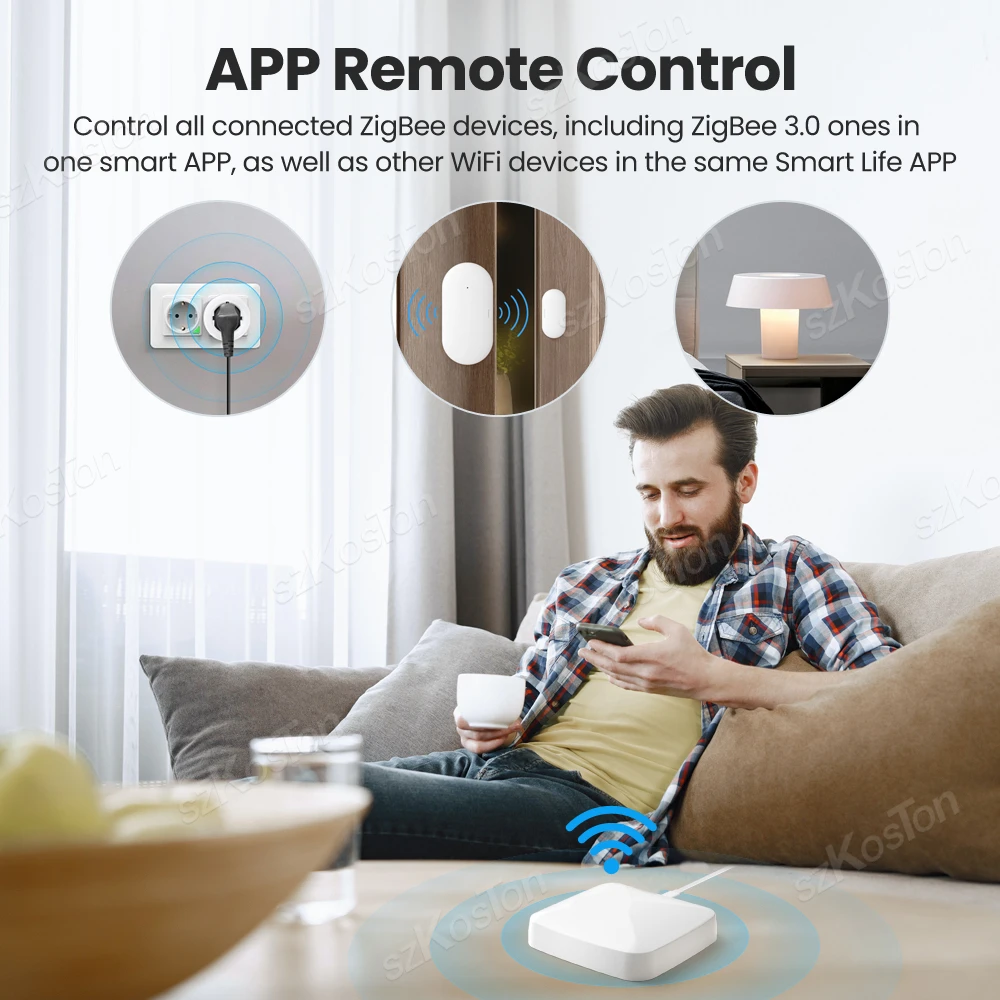
5.Wireless remote control your smart devices under one same interface for added convenience.
6.Adding sub-devices without network access and multiple sub-devices accessing the net-work at the same time.
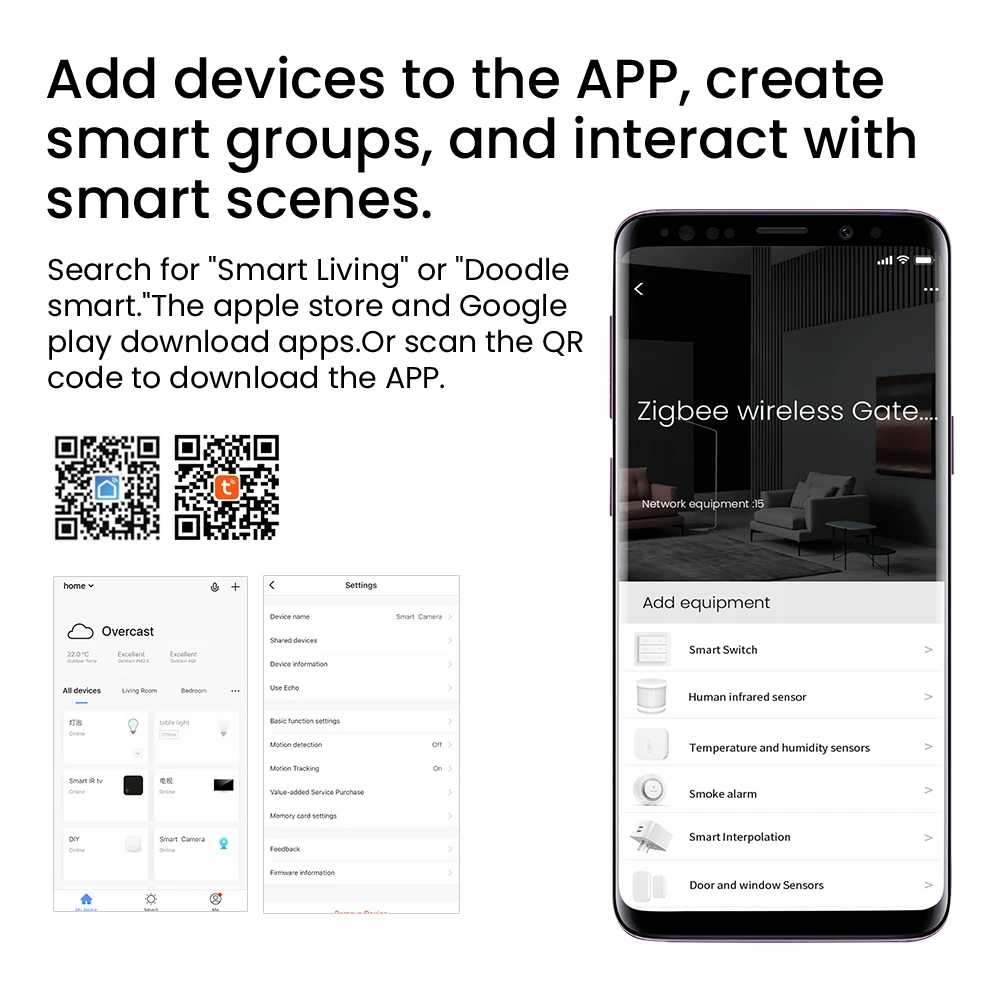
7.Standard protocol development based on ZigBee3.0 and Bluetooth SIG standard protocol,For Smart Life /TUYA App.
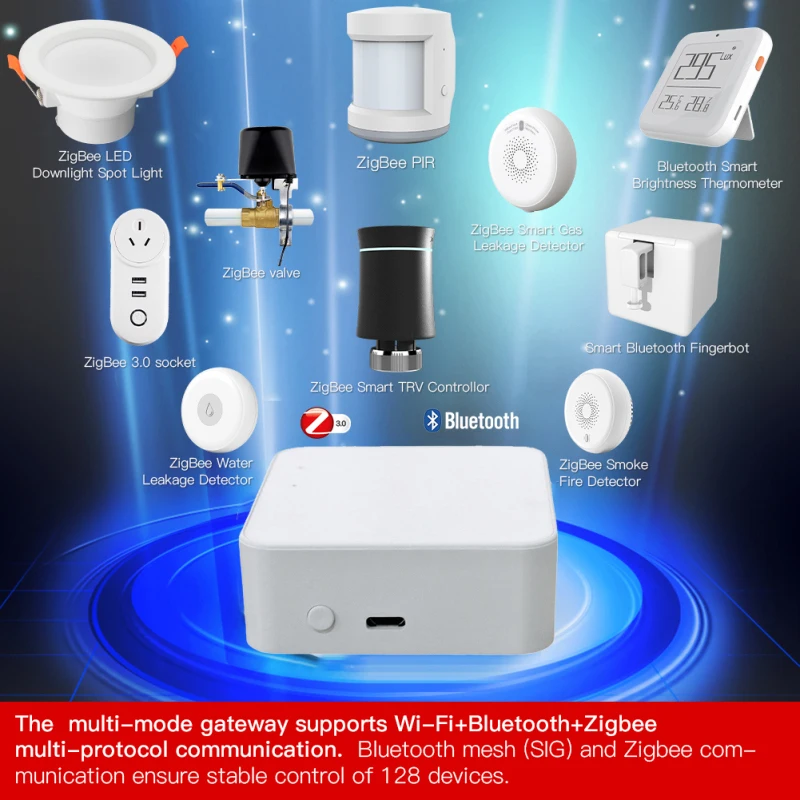
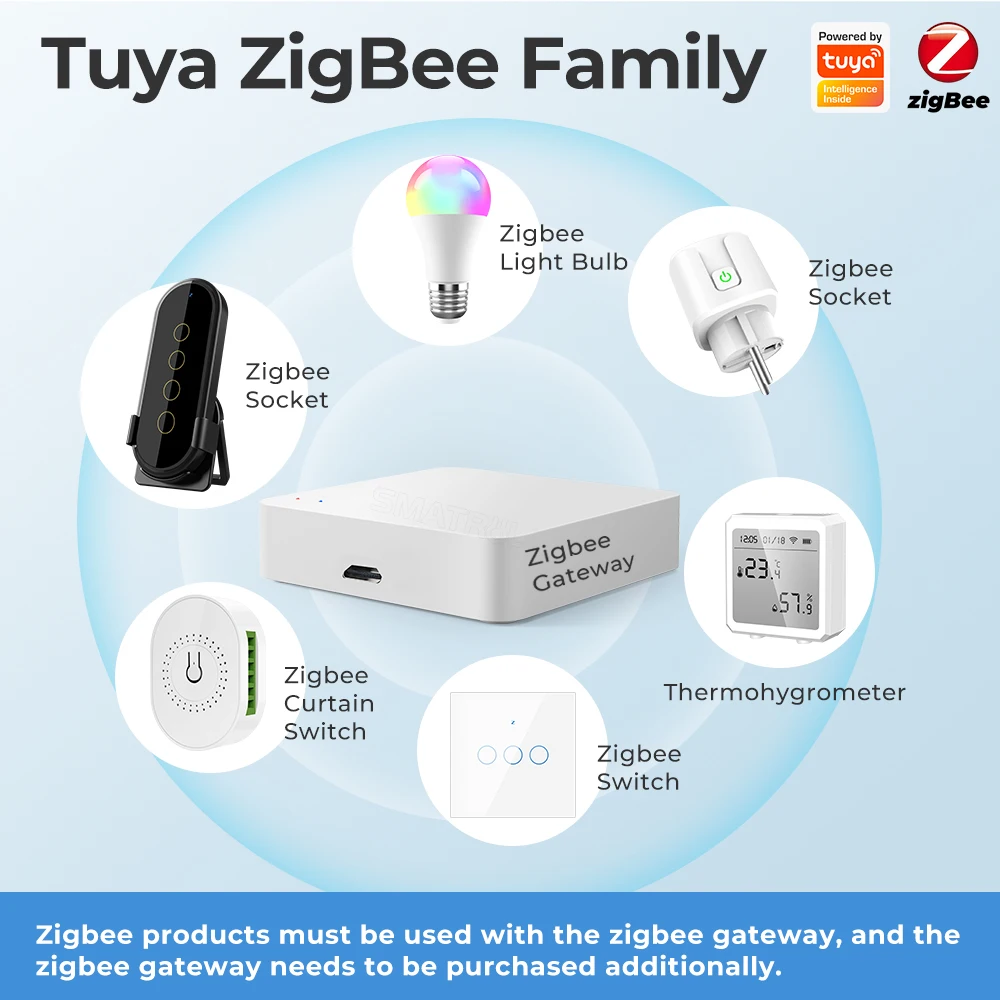
8.The gateway enables you to control Tuya ZigBee/Bluetooth devices such as plugs, switches, bulbs and sensors, etc. It is a must for all Tuya ZigBee products.Szkoston.
9.The multi-mode gateway supports Wi-Fi+Bluetooth+Zigbee multi-protocol communication. Bluetooth mesh (SIG) and Zigbee communication ensure stable control of 128 devices.
Note :
1.Please make sure your sub-equipment with Tuya Bluetooth or ZigBee function.
2.The terminal device controlled by the gateway is a Tuya Bluetooth or ZigBee product, and the device only with Tuya WiFi does not belong to this type of product.
3.Our Tuya gateway user tips :
1).Tuya ZigBee gateway Support Tuya ZigBee sub-devices.
2).Tuya Bluetooth gateway Support Tuya Bluetooth sub-devices.
3).Multi-mode gateway Support Tuya ZigBee Bluetooth sub-devices.
4).Tuya WiFi sub-devices or WiFi sub-devices are not supported.
5.)Wireless connection: Only Support 2.4Ghz WiFi connection.
4.Indicate Light:
1). The status of the red light: During the connection between the gateway and the mobile APP, it will be off for a short time, and it will be on after the connection is successful.
2). Blinking blue light: The gateway is in the state of discovering sub-devices.
5.Alexa operation process:
1.Register Alexa and Tuya accounts respectively
2.Add Tuya account to the skill in Amazon Alexa App.
3.Add gateway to Tuya App
4.Tuya application gateway adds Tuya sub-devices
5.Control Tuya sub-devices through Alexa voice (the sub-devices must support the voice control function).
Details
This product is crafted with quality materials to ensure durability and performance. Designed with your convenience in mind, it seamlessly fits into your everyday life.
Shipping & Returns
We strive to process and ship all orders in a timely manner, working diligently to ensure that your items are on their way to you as soon as possible.
We are committed to ensuring a positive shopping experience for all our customers. If for any reason you wish to return an item, we invite you to reach out to our team for assistance, and we will evaluate every return request with care and consideration.
Shop The Full Collection


